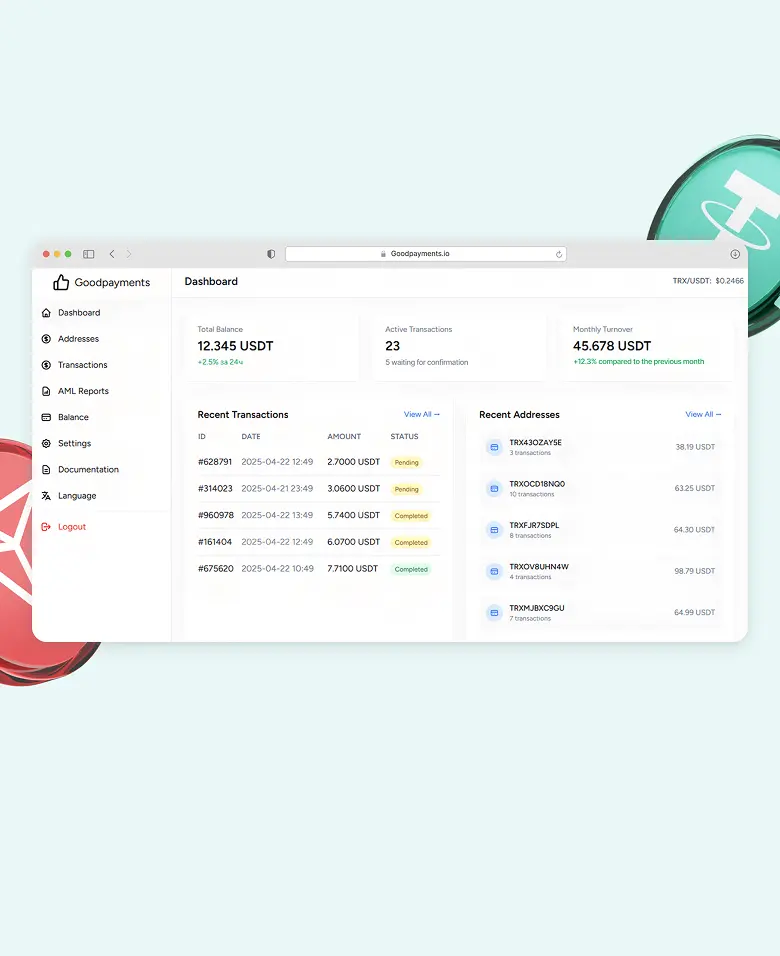
Setting up TRC20 payments is straightforward when using the right tools.
1. Create a wallet
Set up a wallet that supports USDT (TRC20).
This is where you will receive all payments.
2. Choose a payment solution
Select a gateway that supports:
- TRC20 payments
- low or fixed fees
- non-custodial transactions
3. Connect Your Wallet
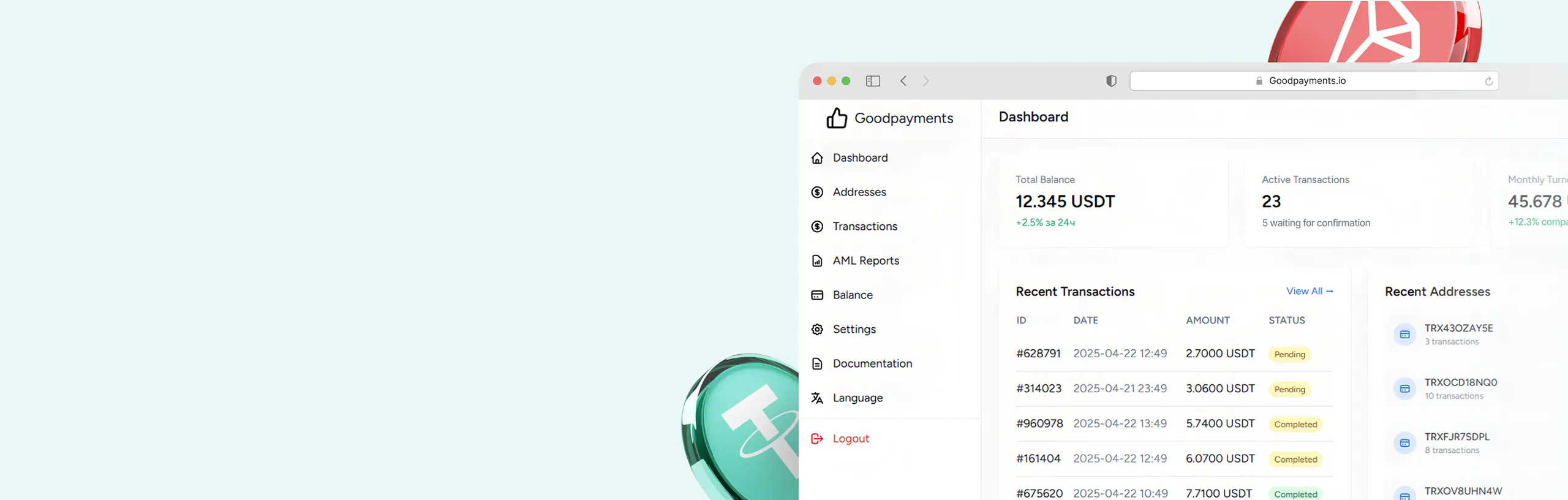
Add your wallet address to the system so payments are sent directly to you.
4. Integrate Payments
Depending on your setup, you can:
- Use payment links
- Integrate via API
- Add crypto checkout to your site
Most businesses can complete this step quickly without complex development.
5. Test and go Live
Run a test transaction to confirm everything works correctly, then start accepting payments.